ONLINE STORE HELP
Work Designs offers customized online stores that simplify the ordering process for individual employees or members of your organization. You have the flexibility to choose a preferred payment method, including user points or credit card purchases. The availability of products in the store is tailored specifically to your company, school, or organization, and it can also be customized for different user groups within your organization. For instance, you can decide whether certain items are exclusively available to managers or office workers or if they can be purchased by any user. Users can select from various product options such as color, size, and imprint or logo preferences. All our stores feature product images and detailed descriptions, accompanied by your company logo. Products can be conveniently browsed by category or through our product search feature.
Account Information
Account Creation
- Account Created Already: You may have received an email that states your account has been created. Simply click on the "Complete Setup" button. However, if the link does not work, please look at the "Password Rest" process.
- No Account Created: Simple click on the button in the top right corner of your screen and create an account.
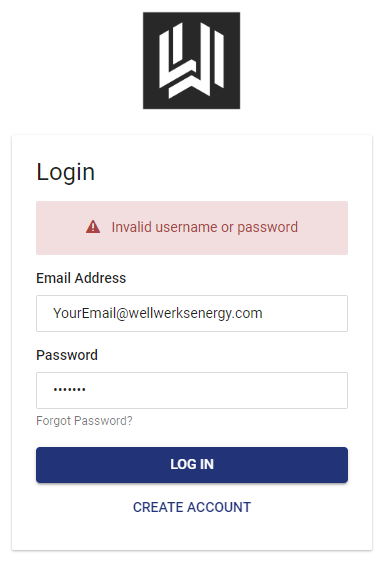
Invalid Username or Password
If your account is created and you have not had a chance to create a password yet. You will need to use the "forgot password" method.
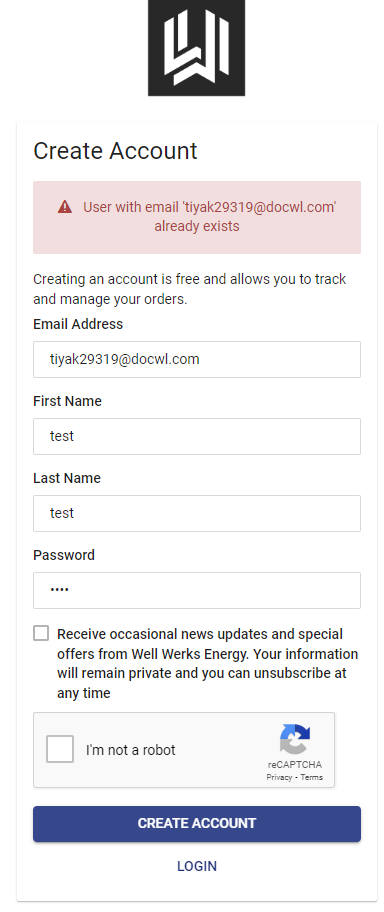
Account Already Exists
If you try and log in and get the error message of "Account Already Exists", then please use the "forgot password" method.
Password Reset
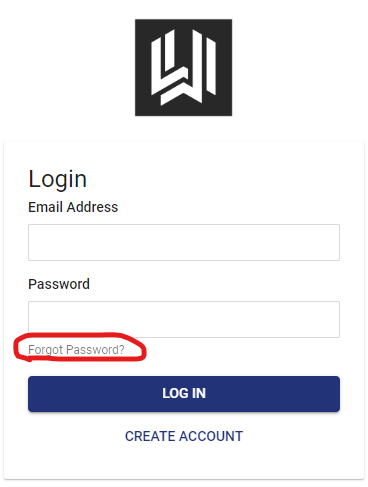
Simply click on "Sign In" at the top right of the screen. Then click on "forgot password" link.
The system will then ask you to type in your email that is associated with the account.
You will received an email from our system with instructions on how to reset your password.
Account Edit
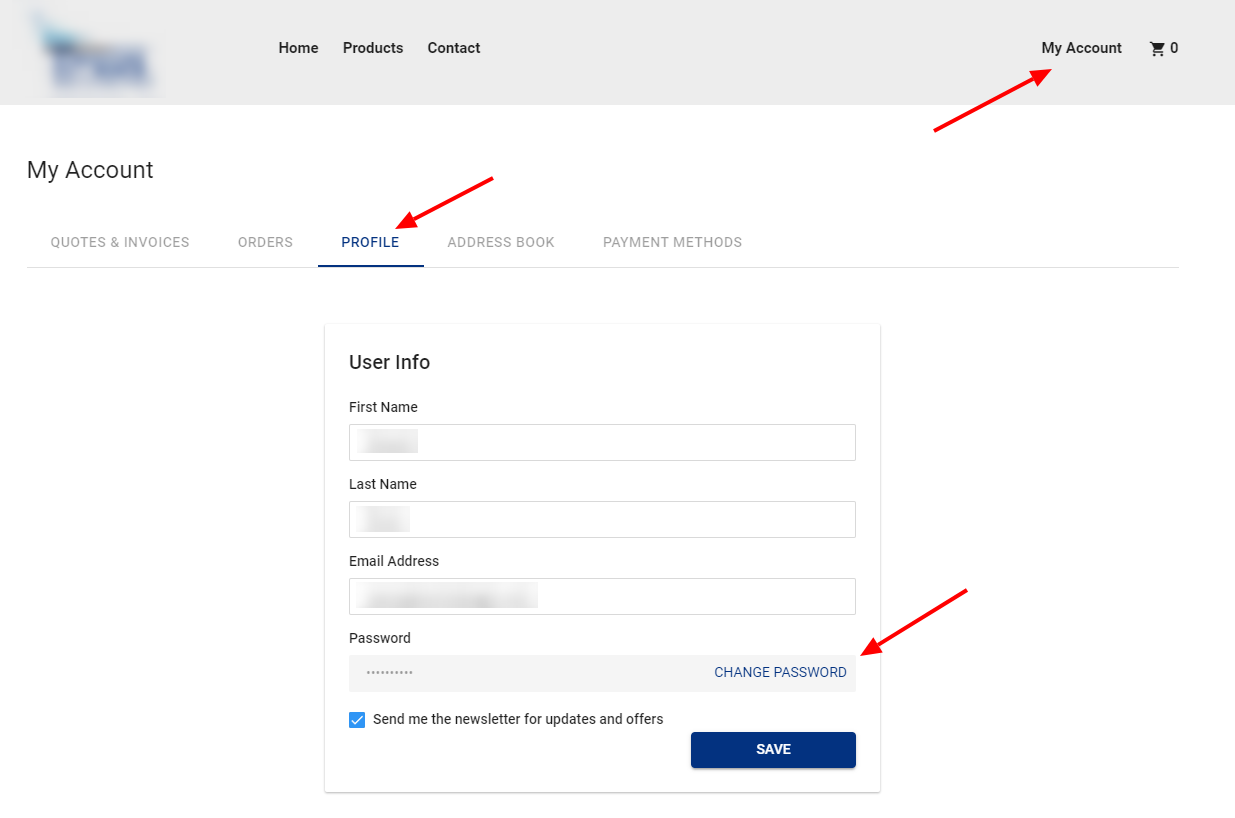
Editing you profile is easy. Click on "My Account" at the top right of the page and then find the "Profile" tab.
Once you are here you can edit your name, email, and password.
Gift Certificates (Points)
Have I gotten a Gift Certificate?
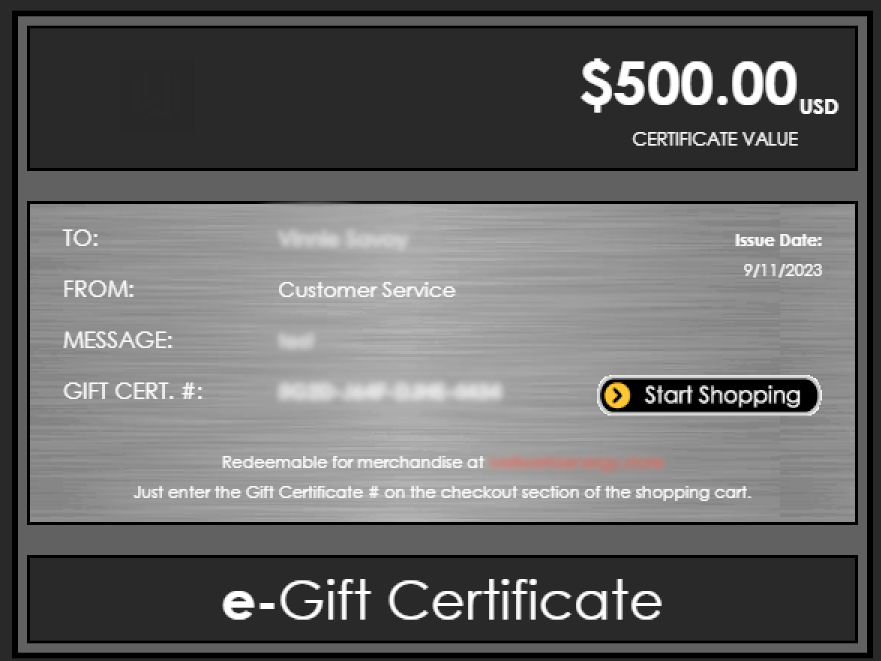
You will get an email and have it linked to your account automatically. You can view it in your account profile page.
How do I access points
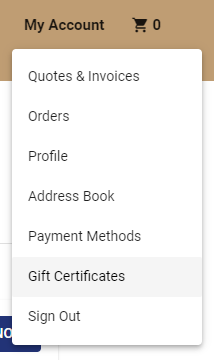
Onced logged in, click on "My Account" in the top right corner. Then click on "Gift Certificate". From there you will have the list of Gift Certificates given to you.
Will need that Gift Certificate Number at checkout.
How do I use the Gift Certificates?
Depending on how your store is set up you may or may not have this ability. Gift Certificates are given by the admin of your company/school.
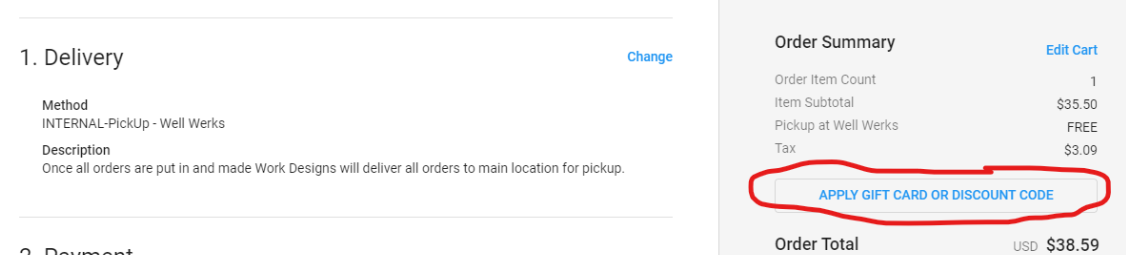
Copy the Gift Certificate Number from the email or from your account. Then at checkout click on "Apply Gift Card or Discount Code". Paste the code in the text box.
Be sure to click on "Apply" to add the money to the order!
Do I have to spend all of my points at one time?
When you select the option to use the Gift Certificate, the system will process the most money towards the order.
If it does not use all the available money, it will keep the Gift Certificate open until the money runs out.
What if my order is more than what I have left in my Gift Certificate?
The system will require you to purchase the rest of the amount with a Credit Card.
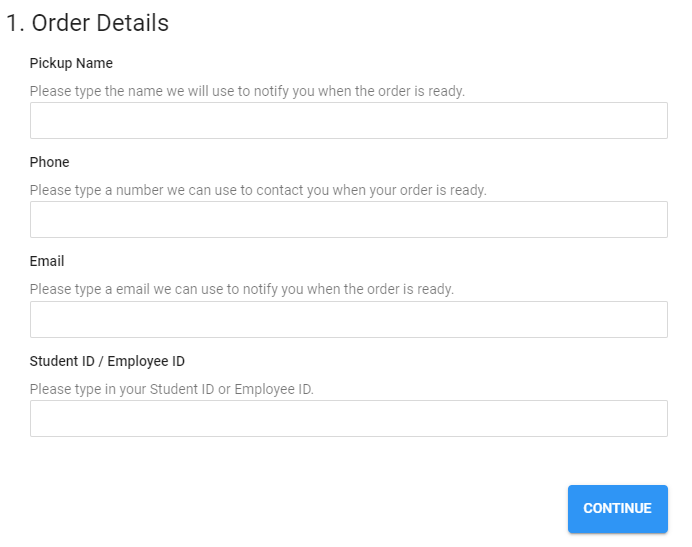
Order Details
What is the purpose of Order Details?
Depending on how the store is setup we may need more information on you or your order. This information can be used to organize then contact you for pickup.
Shipping or Pickup
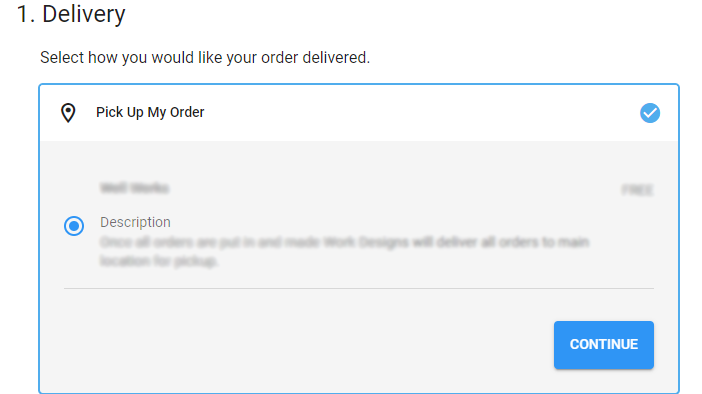
Can I pick up my order at the main facility?
Sure, if you store is setup this way you will have the "Pick Up My Order" option when you are at checkout page.
Can I get these items shipped?
Sure, if you store is setup this way you will have the "Ship My Order" option when you are at checkout page.

Need More Help?
Store Technical Support: techsupport@workdesigns.com
Orders: orders@workdesigns.com